Karaoke Captions for Reels: Why They Get More Watch Time and How to Do Them Right
Word-by-word captions that highlight as the audio plays are now a standard expectation on short-form video. Here is why they work and how to get them looking clean.
Why People Watch on Mute More Than You Think
Studies on short-form video behavior consistently show that somewhere between 50 and 85 percent of content gets watched with the sound off. Commuting. In bed next to someone asleep. In a waiting room. Anywhere public.
If your reel requires audio to make sense, you just lost those viewers. Word-by-word captions are the fix. They make the content work whether the sound is on or not.
What Karaoke Captions Actually Are
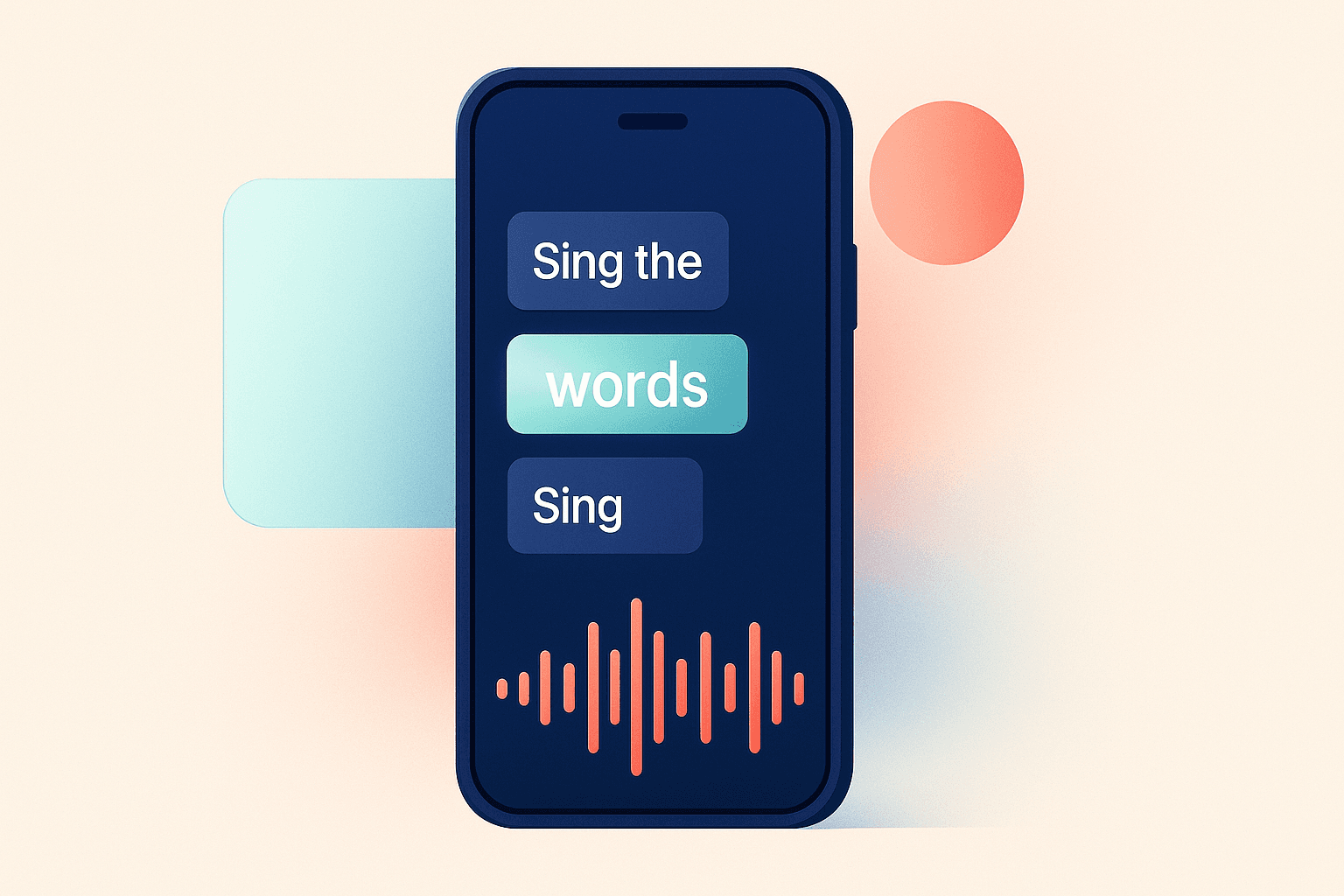
Standard captions show a line of text, wait for it to finish, then show the next line. Fine. But karaoke-style captions highlight each word individually as it is spoken — the same way lyrics light up in music apps.
This does two things. It keeps the viewer's eye tracking movement on screen (harder to scroll away). And it adds a visual rhythm to the video that makes it feel more dynamic even when the footage is just stock B-roll playing underneath.
The effect is subtle but the data backs it up. Average watch time consistently runs 20 to 35 percent higher on videos with synchronized word-by-word captions compared to the same video without them.
What Good Captions Look Like
The specifics matter more than people realize:
- High contrast always. White text with a dark outline or drop shadow. If the text blends into the background for even a second, the effect breaks.
- Size matters. Too small and mobile viewers cannot read it. Too large and it covers the footage completely. Mid-screen, readable without squinting is the target.
- One to four words highlighted at a time. More than that and the highlighting loses its tracking effect. Fewer than one word and it feels too choppy.
- Tight sync. If the highlight is half a second behind the audio, viewers notice. It has to match precisely.
Doing This Without Spending 2 Hours Per Video
Manually adding word-by-word captions in a traditional video editor is tedious. You are placing individual text elements on a timeline frame by frame. For a 30-second video this can take 30 to 60 minutes if you are being precise.
AI-generated voiceovers solve this because the timing data already exists. When AIShortGen generates a voiceover, it knows exactly when each word is spoken. The captions get placed automatically in perfect sync. No timeline adjustments. No manual work. The karaoke effect is just part of the output.
This is one of the less talked about advantages of AI voiceovers for short-form content. The sync precision is better than most creators achieve manually.
Caption Placement by Platform
- TikTok: Center screen, large and bold. TikTok's own auto-caption feature sets this expectation so viewers are used to it.
- Instagram Reels: Center or lower third. Avoid the very top (profile info covers it) and the very bottom (action buttons cover it on mobile).
- YouTube Shorts: Flexible on placement. Center or lower third both perform well. YouTube's interface leaves more breathing room than the other two.
One last thing: never add captions as an afterthought at the end of your production process. The caption style should be consistent across all your videos because it becomes part of your channel's visual identity. Viewers who regularly watch your content will recognize the style before they even see the topic.
Written by Ahmed Shanti
Co-Founder of AIShortGen
Building AI tools for content creators. Writes about short-form video strategy, AI-powered content creation, and what actually works on TikTok, Reels, and Shorts.