Text to AI Avatar Instagram Reels: The Tutorial I Wish Existed When I Started
Full tutorial. Turn a text prompt into a talking avatar Instagram Reel in about 8 minutes. Tool choices, prompt tricks, caption setup.
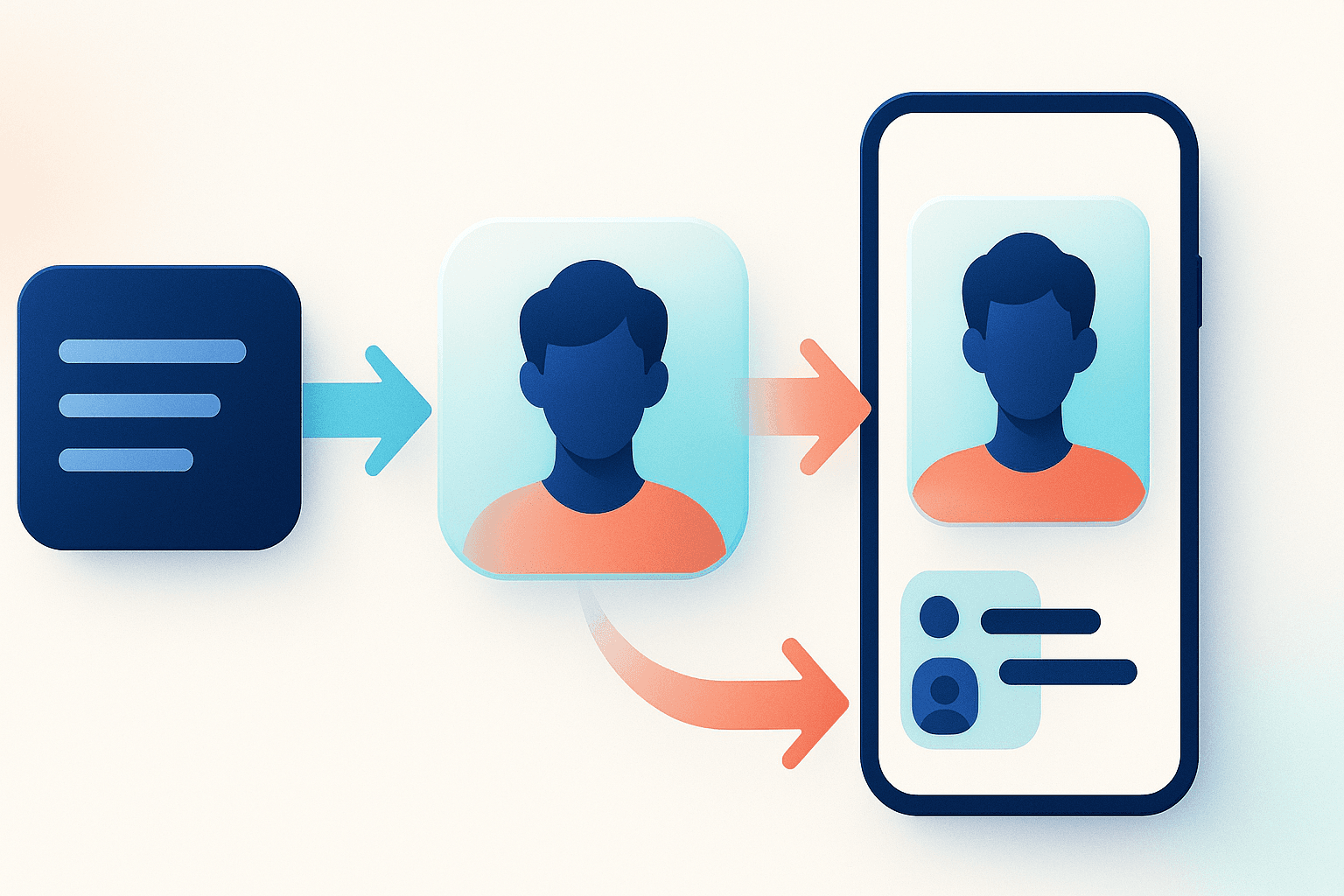
The short version. Text to avatar Reel in 8 minutes once you have the workflow locked in. The secret nobody mentions. Caption setup moves the numbers more than avatar choice. Get the captions right and a mediocre avatar still wins.
Why Reels Specifically (Not TikTok)
Three reasons Reels rewards avatars differently than TikTok does:
- Reels viewers are older on average. They are less allergic to slightly stiff delivery.
- The explore page surfaces educational content more aggressively on Instagram than on TikTok.
- Instagram's caption rendering is better than TikTok's built-in captions. Karaoke-style captions pop more visibly on Reels.
Net effect. AI avatars convert into follows at a higher rate on Reels than they do on TikTok for the exact same video. I have cross-posted enough to know it is real.
What You Need
- An AI video tool. AIShortGen for the full pipeline, or HeyGen for pure photoreal avatars.
- A prompt (use the template further down).
- An avatar picked and saved. Pick once. Use for 30+ videos.
- A caption style decided. Karaoke word-by-word. Not bottom-static. Never bottom-static.
- A background track around 15 percent volume under the voice.
The 5-Step Process
Step 1. Prompt the Script
Use this exact structure:
Write a 38-second Instagram Reel script for an AI avatar host.
Topic: [topic]
Audience: [who is watching]
Goal: [teach one idea they did not know]

Format:
- Hook (6 to 10 words, creates open loop)
- 3 value beats (each under 15 words)
- Payoff (ties it together, makes them want to share)
- Soft CTA (save this or follow for more)

Tone: [curious / confident / playful]
No greetings, no "today we are going to..." intros.
Step 2. Generate the Avatar Video
Inside AIShortGen or HeyGen, paste your script. Pick your saved avatar. Pick the voice. Hit render.
AIShortGen finishes in about 45 seconds including captions. HeyGen photoreal takes 3 to 5 minutes and captions are still up to you.
Step 3. Add Karaoke Captions
Word-by-word highlights. Yellow or neon green on black is the highest-contrast combo. Font should be bold sans-serif. Nothing thin. Nothing script-style.
Caption position matters too. Vertically, put them in the lower third, not the exact bottom. The exact bottom edge gets cut off by Instagram's play bar on many devices.
Step 4. Layer Music and Trim the Tail
Pick a track with no lyrics. Drums kept low. Nothing with vocals during your avatar's talking moments. Duck the music by 5 decibels when the voice hits.
Trim the tail. Your video should end on the last word of the payoff, not 2 seconds after. Dead air at the end kills the loop rate.
Step 5. Export Vertical, Upload, Label
1080 by 1920. H.264. Upload through the mobile app. Flip on the AI Info label. Caption with a 2-line hook and 5 relevant hashtags. Post.
Reels Settings That Move the Needle
| Setting | Default | What I Use |
|---|---|---|
| Aspect ratio | Sometimes 16:9 | 9:16 (1080 by 1920) |
| Caption style | Bottom static | Karaoke word-by-word |
| Duration | 60 sec | 32 to 48 sec sweet spot |
| Avatar framing | Full body | Chest up, centered |
| Music volume | 50 percent | 15 percent under voice |
| Cover frame | Auto-selected | Manually pick the most expressive avatar frame |
Prompt Formula Upgrades
A few moves that sharpen the output:
- Add "write at an 8th grade reading level." This alone cuts fluff by 30 percent.
- Add "do not use the words 'journey,' 'unlock,' or 'game-changing.'" Kills AI tells.
- Add "first 4 words have to grab attention without context." Forces better hooks.
Posting Strategy Specifically for Avatar Reels
Post 4 times a week, same avatar, same format. Consistency is the engine here. The algorithm needs about 15 to 25 videos before it decides what you are about and who to show you to.
Hashtag pattern. 2 very specific niche tags, 2 medium tags, 1 broad tag. Example on a psychology facts page: #overthinking #psychologyfacts #relatable #mentalhealth #viral. Five, not twelve.
Post between 7am and 9am or between 7pm and 9pm in your target audience's timezone. These are the only windows that matter for this format.
What to Do When Your First 10 Videos Flop
They probably will. Mine did. That is fine. Look at 3 numbers only:
- Completion rate. Under 35 percent means your script is slow. Cut words.
- Saves plus shares. Under 1 percent means your payoff is weak. Rewrite the ending only.
- Follows per 1000 views. Under 3 means your avatar or niche is confusing. Reconsider one of those.
Ignore likes. Likes are the vanity number. The three above are the actual health metrics for this format.
Where to Go From Here
Take one topic. Run the 5 steps. Post it. Review it in 48 hours. Adjust one thing for video 2. Do not rewrite your whole strategy after one flop.
For wider Reels-specific strategy, the semi-automated Instagram Reels system post breaks down the batching side. And if your captions are the weak point, the karaoke captions guide is exactly what you need next.
Ready to test? The fastest path is pasting one topic into AIShortGen and watching the pipeline finish in under a minute.
Written by Abd Shanti
Co-Founder of AIShortGen
Building AI tools for content creators. Writes about short-form video strategy, AI-powered content creation, and what actually works on TikTok, Reels, and Shorts.